The Smartest Risk Calculation I’ve Ever Seen (And What It Taught Me About Backup and Recovery)
A few years ago, I got a call from a small business owner — a third-generation machine shop — asking us to come fix his firewall. I explained that we’re a managed service provider, not a break-fix shop, but offered to come out and talk about what a full-service IT relationship could look like. He was open to learning more, so I drove out to his shop.
Walking Into the Building
Before we even sat down, I noticed the telltale signs I always look for: Ethernet cables running outside the walls, no labeling on patch panels, a mix of computer brands and ages scattered throughout the office. It was a hodgepodge. When I see that, it usually means one of two things — either the company desperately needs someone to come in and bring order to the chaos, or they simply don’t value IT and never will. I needed to figure out which one this was.
Pulling the Thread on Risk
I started where I always start — with risk.
“If you got ransomware and lost all the data on your computers, what would it do to your business?”
He pointed at a little network-attached storage device. “Not a big deal. I’ve got a backup right there.”
“Is that device connected to the same network?”
“Yes.”
“Okay. So let’s say the ransomware gang got into that device and destroyed your backup too. How bad does that hurt?”
He walked me into a room filled with binders of blueprints. “I can pull any one of these and make any part we’ve ever made.”
I pushed further. “What if the building burns down? You lose the computers, the backups, and the blueprints.”
I could tell he was getting a little irritated — and I get it. In a way, I was questioning years of decisions he’d made about his business. But that’s the job. We pull that thread to understand the reasoning behind the risks people accept.
The Walk to the Shop Floor
He said, “Come with me,” and walked me out to the shop — a machine shop that’s been running since the 1940s, with employees who looked like they’d been there nearly as long.
He took me to a shelf lined with rows of parts, picked one up, and said, “I designed this part in [year]. I can pull the dimensions off this physical part and remake it without much effort. Even if the building burned down, it’s not going to burn up all the steel. And if all these parts disappeared, I could go to the field and pull one off a machine we’ve been supporting since 1940 that’s still running. I can make it work.”
Then he flipped the script on me.
“What’s it going to cost me to have you put all your security controls in place to guarantee I never end up in that situation?”
I told him the truth: no one can guarantee anything. But I could put enough controls in place to dramatically reduce the risk.
He did the math out loud. New computers, monthly service fees — he estimated somewhere around $20,000 a year. Then he calculated his worst-case recovery scenario: maybe $50,000 and a week of downtime to pull parts from the field and rebuild.
“So you’re telling me I need to spend $20,000 a year to prevent a problem I can overcome for less than $50,000 if it ever happens?”
I was blown away. That was one of the sharpest risk calculations I’ve ever witnessed.
I told him, “You’re right. We’re not a good fit for you.”
The Lesson Most Businesses Are Missing
Here’s the thing — that machine shop owner knew his risk. He understood exactly what he stood to lose, what recovery would cost, and what prevention would cost. He made an informed decision.
Most businesses don’t operate that way. What usually happens is the IT person says, “You need everything — $120 to $300 per user per month.” The CFO looks at the bottom line and says, “I can’t afford that.” There’s a back-and-forth, and eventually the company lands on what I call minimum viable deniability — the bare minimum to avoid getting in trouble.
That’s not a strategy. That’s a gamble without knowing the odds.
The Smallest Building Block: Can You Recover Your Data?
If I could give every business owner one starting point, it’s this: make sure your mission-critical data can be recovered in a timeframe that’s reasonable for your organization. That’s it. That’s the foundation everything else builds on.
There are plenty of other threats to worry about — business email compromise, reputational damage, and more. But if you can’t recover your data after ransomware, a fire, a flood, or simple corruption, nothing else matters.
Here’s what that looks like in practice.
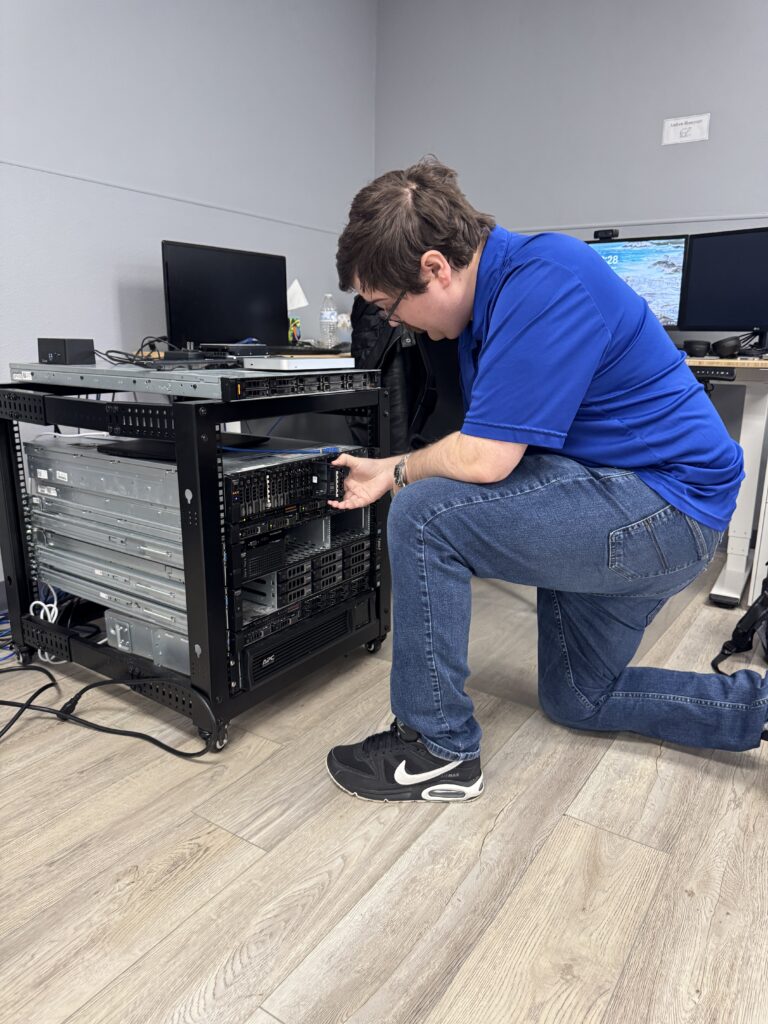
Know what you’re backing up. Your ERP, your medical records system, your CRM — anything running on servers you control, whether on-premise or in a cloud environment like Azure or AWS. Don’t forget network equipment configurations either. Most modern firewalls and switches store configs in the cloud, but if you have smart devices that don’t, export those configurations on a regular schedule.
Verify that all critical servers are actually being backed up. It sounds obvious, but we see it constantly — someone sets up backups, then a new server gets added by a different person, and nobody remembers to include it. At least once a year, audit what’s being backed up against what’s actually running.
Test your restores. A backup report that says “successful” is not a test. A real test means restoring your data onto different hardware or a different environment and confirming you can actually access your applications and databases. Tools like Veeam offer instant restore capabilities that let you validate quickly without restoring terabytes of data. Spin it up, verify it works, shut it down.
Monitor for failures — and for silence. Set up notifications for backup failures, but also monitor for the absence of expected successes. If your backup system stops reporting entirely, you want to know now, not six months from now when you actually need it.
Keep backups both on-site and off-site. Local backups give you fast recovery for everyday issues — a deleted file, minor corruption. Off-site backups (typically a cloud repository) protect you from catastrophic events like fire or flood.
Air-gap your off-site backups. This means your production network should have no direct access to manipulate your off-site backup repository. The backup software pushes data out, but nothing on your network can reach back in and delete it. We’ve seen firsthand what happens when this isn’t done right — a company in town had great backups with encryption in transit and at rest, but the attacker was able to pivot from the primary network to the backup network because there was direct access between them. They found the credentials, destroyed the backups, and the company couldn’t recover. They lost custom software and faced a nightmare rebuilding from developer copies.
Use different credentials for your backup systems. If an attacker compromises an admin account on your network and your backups use the same login, those backups are as good as gone.
Consider immutable backups. Write-once, never-overwrite backup policies add another layer of protection that even a compromised admin account can’t undo.
Retain enough backup history. Five to seven days of backup retention probably isn’t enough. Ransomware attackers often dwell in networks for weeks before detonating, embedding themselves in your systems so that even restored backups contain their foothold. You need enough history to go back to a point before the attacker got in. From there, you can restore a clean version of your infrastructure and import just the data files — databases and documents — giving you a much higher confidence that you’re ransomware-free going forward.
Calculate your actual recovery time. If your recovery time objective is one hour but you have 10 terabytes of data on a 100-megabit internet connection, the math simply doesn’t work. Understanding how long a full download takes from your cloud repository is a critical part of setting realistic expectations.
It All Comes Back to Knowing Your Risk
Good backups don’t prevent ransomware. There are other critical tools for that — endpoint detection and response, privileged access management, security incident management, and more. But knowing how long it takes to recover and how much that impacts your business helps you make smarter decisions about everything else you invest in.
That machine shop owner understood his risk better than most Fortune 500 companies I’ve encountered. You don’t have to be that extreme — but you do need to know the answer to one question: if the worst happened tomorrow, could you recover?
If you’re not sure, that’s worth a conversation.
ArcLight Group is a managed IT services and cybersecurity company based in Tulsa, Oklahoma. If you have questions about building a recovery strategy for your business, reach out to us — it’s what we do.

Brian Largent
Father to five, husband to one, founder, CEO, and all around swell fella (or so I'm told)