I’ve walked into rooms where every server was encrypted, the phones were ringing, and the owner was staring at the floor trying to do the math on how many days of downtime the business could survive. Here’s what I can tell you after 30+ years of those phone calls: the companies that make it through are the ones who wrote the plan before the attack. The companies that don’t are the ones who assumed insurance, or backups, or “our IT guy handles that” would be enough.
A disaster recovery plan (DRP) is the difference. Not a binder on a shelf. A real, tested, funded plan that says exactly who does what, which systems come back first, where the clean hardware is going to come from, and how you coordinate with insurance, forensics, and legal without stepping on your own claim. If you don’t have that, you don’t have a disaster recovery plan. You have a hope.
What a Disaster Recovery Plan Actually Is
A disaster recovery plan is the set of procedures your organization uses to restore IT services after a catastrophe. Fire, flood, hardware failure, ransomware, a rogue admin, whatever form the disaster takes. The DRP is the roadmap back to operational.
A DRP is a living document, not a static one. It should cover:
- Recovery Time Objective (RTO): how fast each system has to be back online before the business is in real trouble
- Recovery Point Objective (RPO): how much data you can afford to lose between your last backup and the incident
- Backup architecture: where backups live, how they authenticate, how they’re encrypted, and how they’re verified
- Incident response: who calls insurance, who calls legal, who touches the systems, who communicates with staff and customers
- Hardware continuity: where your clean replacement servers come from when you can’t use your existing hardware
- Insurance coordination: which forensics firm, which attorney, and how you stay inside the terms of your cyber policy
Most of the DRPs I review fail on at least three of those points. That’s not a dig at the business owner. It’s a reflection of how much has changed in the last five years, and how much of what used to be good enough is no longer close.
Why Most Disaster Recovery Plans Fail
Here’s what I see when I audit an existing DRP and it falls apart under stress.
Failure 1: Backups That Aren’t Actually Separate
If your backups are on the same network segment as your production environment, with the same authentication and the same encryption keys, you don’t have backups. You have a second copy of your data that the attacker will also encrypt.
An asphalt company based right here in Tulsa learned this the hard way a few years back. They did almost everything right. They had offsite backups. They used a different account name for the backup system. But they reused the same administrative password across both environments. When the attackers got into the main network, they enumerated credentials, tried that admin password against the backup account, and walked right in. Backups destroyed. Then they kicked off encryption on the main environment. Game over.
Your backups have to live on a completely separate network. Different authentication, different credentials, different encryption keys, different pathway. A VPN tunnel back to the main network does not count as separate. If the attacker can traverse to it, they can destroy it.
Failure 2: Backups Nobody Has Tested
I’ve watched companies spend tens of thousands of dollars a year on backup software and storage only to find out, in the middle of an emergency, that the backups don’t actually restore. The jobs were running green every night. Nobody ever tried to pull data back. When they finally did, the files were corrupt, the retention was wrong, or the critical system wasn’t even in the backup set.
Backup testing has to happen on a regular cadence. Quarterly at minimum. You pick a system, you restore it into a sandbox, you verify the data is intact, and you document the result. If you’re not doing that, you’re gambling.
Failure 3: No Clean Hardware to Recover Onto
This is the one that catches almost everyone off guard. You get hit with ransomware. You have good backups. You want to restore. And then your insurance company tells you that you can’t touch the existing servers, because those machines are evidence and the forensics team has to preserve their state.
So where do you restore to? You can’t put your data back on the encrypted boxes. There may still be negotiations happening over decryption keys. The insurance carrier may be lining up its defense against paying the claim, and the posture of your hardware is part of that.
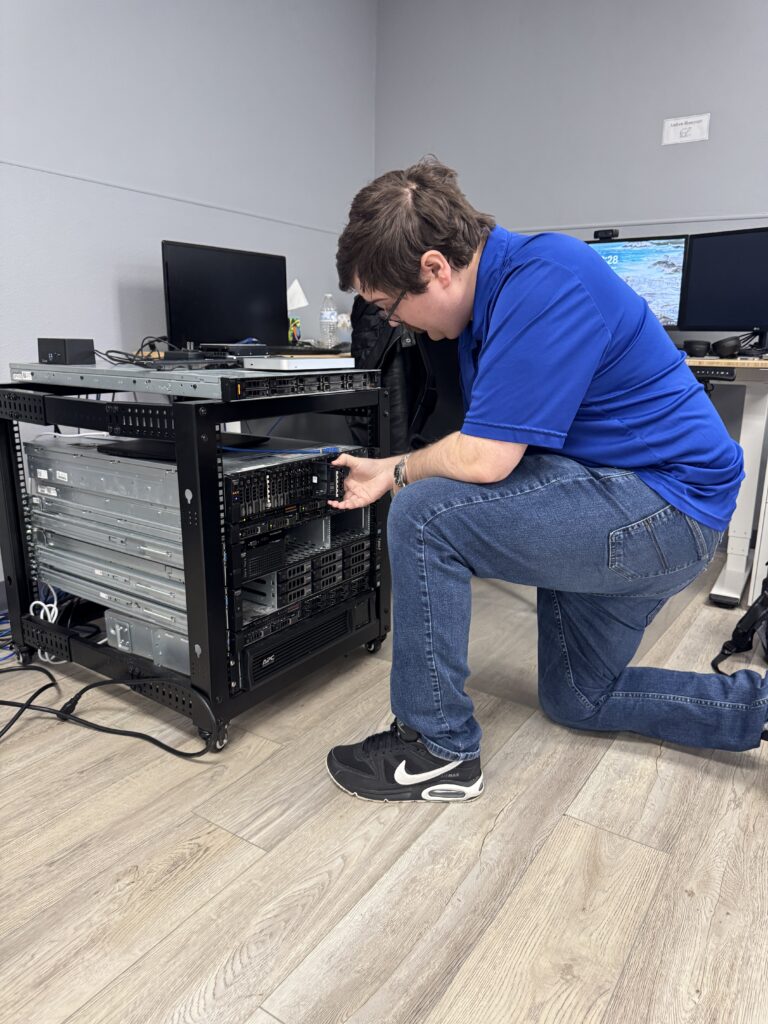
At ArcLight, we keep over $100,000 worth of cold spare servers sitting in racks for exactly this moment. If one of our managed clients gets hit, we can spin up clean hardware within hours for about $1,000 per server per month. It’s a relatively inexpensive subscription that buys you the one thing you can’t get at any price in the middle of an incident: time.
The manufacturing client I worked with during a ransomware incident a couple of years ago didn’t have that arrangement in place. They were losing an estimated $100,000 per day in production while the forensics team took three days just to assemble. They ended up on our loaner servers for three months before they could purchase and configure new hardware of their own. I wrote about that incident in detail in What Really Happens When Your Business Gets Ransomware.
Failure 4: No Insurance Coordination Plan
Your first call when a real incident hits is not your IT vendor. It’s your insurance company. If you start recovery before they’re in the loop, you can blow your entire claim on what they call subrogation. The carrier can argue you tampered with the scene, didn’t follow policy, or introduced the compromise yourself. They deny the claim. You eat the full cost.
Your DRP needs to name the insurance company, the policy number, and the exact order of operations. It also needs to acknowledge a hard truth: most cyber policies require you to use an attorney and forensics firm from the carrier’s approved list. You don’t get to pick your own. Your DRP should make sure your team knows that going in, so nobody wastes 48 hours trying to hire a firm that isn’t going to get paid.
Failure 5: Sub-Limits Nobody Read
Your cyber liability policy might say $4 million on the declarations page. Hidden in the fine print, the sub-limit for a ransomware event could be $100,000. The sub-limit for business email compromise could be $50,000. Reputational damage, data exfiltration, regulatory fines, each has its own cap.
I’ve seen business owners who were genuinely shocked when they learned their policy wouldn’t cover a fraction of the loss. Read the sub-limits before you need them. If you can’t find them, call your broker and make them explain the number. Our free Disaster Recovery Calculator can help you sanity-check what a real incident would actually cost you.
What a Good DRP Looks Like in the Real World
Let me show you the difference preparation makes with two real stories.
The Manufacturer Who Got 15 Minutes
A manufacturing client called us after ransomware encrypted all of their servers. They had a storage area network their internal team inherited from a previous vendor. We were eight hours into a brutal recovery when I asked a question that wasn’t on any checklist: had anyone looked at the SAN snapshots?
Their team hadn’t. They didn’t know the SAN was configured for automatic snapshots. We pulled up the console. The snapshots were there, pre-encryption, sitting on an automatic rotation that was going to overwrite them with encrypted versions in about 15 minutes. We stopped the rotation, restored the server images from a clean point in time, and brought the business back.
Fifteen minutes from losing everything. The full story is in our storage snapshot case study. The lesson is not that we got lucky. The lesson is that a real DRP documents every recovery pathway, including the ones a previous vendor set up and forgot to tell anyone about.
The Hospital That’s Still Recovering Years Later
A large regional hospital got hit with ransomware and lost over a hundred servers, including their backups. They had insurance, and their insurer negotiated with the attackers. The attackers ran what was basically a customer service operation. The CFO told me it felt like calling a support desk. The hospital bought decryption keys for their most critical servers at tens of thousands of dollars per device, wiped everything else, and started rebuilding.
Years later, they are still recovering. I had lunch with their CFO well after the fact, and he asked me why it was taking three to five minutes just to log into their medical records software. It shouldn’t, and it didn’t used to. But when you rebuild an entire enterprise environment under pressure, corners get cut. DNS issues, undersized servers, misconfigurations, they all accumulate. Rolling out a single server in a large hospital is months of planning. Rebuilding a hundred of them while the business tries to operate is a years-long project.
You never really trust your systems again. That’s the honest truth after an incident. A good DRP minimizes how much trust you have to give up.
Don’t Forget Business Email Compromise
Ransomware gets the headlines, but business email compromise is the quieter killer. Here’s the scenario that keeps me up at night. An attacker gets into one of your executive email accounts. They sit and watch for weeks. They learn your invoicing patterns, your vendor names, the tone you use in email. Then they send a perfectly formatted $500,000 invoice from your actual email address to your biggest customer. The customer pays it to a fraudulent account. The money is gone.
Now you have two problems. You’re out the money if your sub-limit doesn’t cover it. And your biggest customer doesn’t trust you anymore. Your DRP should address BEC the same way it addresses ransomware: detection controls, managed IT monitoring, a communications plan, and a coordinated response with your insurance carrier.
What ArcLight Does Differently
When we build a DRP with a client, we’re not handing them a template. We’re building the recovery infrastructure that sits behind the plan.
- Cold spare server inventory. Our managed clients get access to a stable of servers ready to deploy within hours of an incident
- Separated backup architecture. Offsite, different network segment, different credentials, different encryption keys. Tested quarterly
- Endpoint detection and response on every covered device, so we catch attacks in progress instead of cleaning up after them
- Privileged access management so a single compromised user can’t hand an attacker the keys to the whole environment
- Security awareness training and phishing simulations so your team is the first layer of defense, not the first point of failure
- Insurance coordination playbooks so when the call comes in, we’re already moving in lockstep with your carrier’s requirements
- A real business continuity plan paired with the DRP so you keep operating, not just recovering
A DRP without the infrastructure behind it is a document. A DRP with the infrastructure behind it is a survival plan.
Three Things to Do This Week
If you don’t know where to start, start here.
- Pull out your cyber policy and find the sub-limits. If you can’t find them in under ten minutes, call your broker
- Ask your IT team or provider where the backups live. Different network? Different credentials? Different keys? Tested restores? If any answer is fuzzy, that’s your first DRP gap
- Run the numbers. Use our Disaster Recovery Calculator to estimate what a real incident would cost you in revenue, labor, hardware, and reputation
Ready to Build a DRP That Actually Holds Up?
I’ve spent 30+ years in this industry, and the one pattern I see over and over is that the best time to build a disaster recovery plan is well before you need one. The second best time is today. Call us at 918.270.6600, contact our team, or book an appointment and we’ll sit down with you to walk through your current posture. If you’d rather start with a structured look at your gaps, our 27-point IT Risk and Ransomware Assessment is free, takes about an hour, and will tell you exactly where the holes are.
I’d rather have an uncomfortable conversation with you today than get your emergency call at 2 in the morning. Your business is worth the hour.

Brian Largent
Father to five, husband to one, founder, CEO, and all around swell fella (or so I'm told)