Here is an actual sentence that appeared in my AI-generated meeting notes last month:
Recurring observation: ArcLight has a notable track record of being on site shortly before fraud is uncovered.
Read that again. According to my own AI assistant, I am apparently a fraud magnet, a fraud whisperer, or possibly a fraud accomplice. The reality is much more boring: we serve a lot of clients in regulated industries, and unfortunately some of them have discovered employees with their hands in the cookie jar. We were on site doing IT work in the months leading up to those discoveries because we are always on site doing IT work. The AI did not know that. It just noticed a pattern and helpfully wrote it down.
Then it offered to share that summary with everyone in the meeting.
This is the kind of thing nobody warned me about when I started leaning on AI notetakers, and it is the reason I am writing this post.
What I actually use, and why
I use AI notetakers for almost every meeting now. Teams and Zoom for online calls. Apollo.io for sales calls, which records, transcribes, summarizes, and even grades how I did. For in-person meetings I carry a small device called Plaud that records, transcribes, and runs the whole conversation through AI for analysis.
These tools are genuine time savers. Business meetings throw off an enormous amount of detail, and human notetakers miss most of it. AI catches all of it. The problem is that AI catches all of it, including the parts you absolutely do not want captured. It does not turn off when the conversation drifts. It does not understand what was on the record and what was off. And by default, most of these tools want to email the full transcript to every participant the moment the meeting ends.
What used to be a private side conversation is now a searchable document sitting in twelve different inboxes.
Here are the lessons I have learned, mostly the hard way.
Lesson 1: Your pre-meeting banter is no longer private
Most of us have a habit of joining online meetings five minutes early with our own team. We catch up. We talk through our talking points. We make candid comments about pricing, about the prospect, about the coworker who is late again. We assume nobody else is listening because nobody else is on yet.
The AI is listening. The AI was listening the whole time. And when the meeting ends, the AI is going to send a polished summary of those candid comments to every participant who eventually joined.
Fix: In Teams, Zoom, and similar platforms, turn off automatic distribution of recordings and transcripts. Make sharing a deliberate choice, not a default. When you do share, review the full transcript first, not just the summary. The summary is where the AI editorializes. The transcript is where you find out what it actually heard.
Lesson 2: In-person recordings need the same discipline
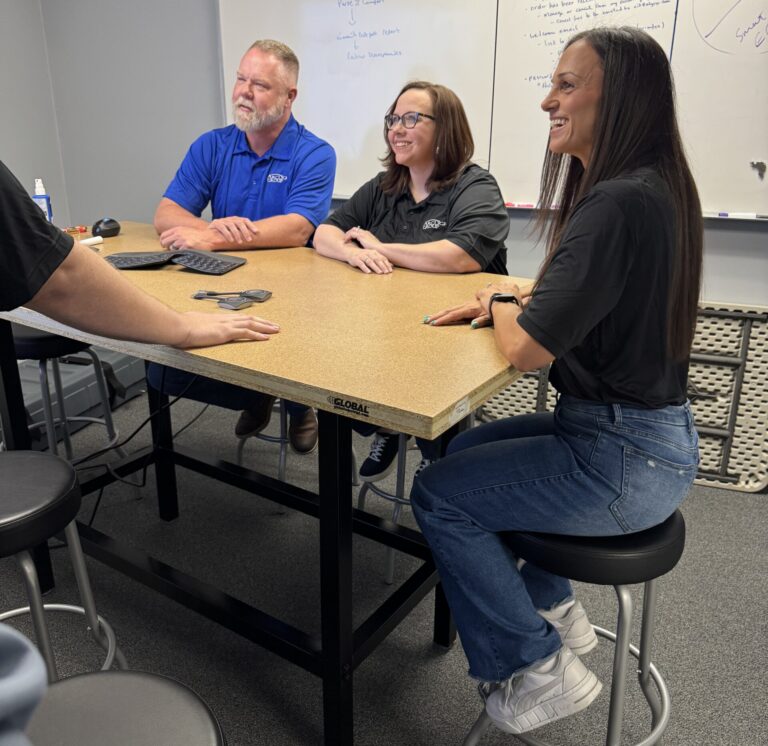
The Plaud quote at the top of this post came from an in-person planning meeting for our June “Anatomy of a Ransomware Event” panel. The conversation drifted, as conversations do, into stories about clients who had suffered fraud. One was recent and had just made the news. Others went back years. None of it was sensitive in the moment. All of it became sensitive once the AI summarized it into a single damning sentence.
You have four options when recording in-person meetings:
- Never say anything during the meeting that you would not want quoted.
- Disable sharing entirely and treat the recording as your private notes.
- Review and edit the summary before sharing anything with anyone.
- Do not record the meeting at all.
I default to option three for anything sensitive and option two for everything else.
Lesson 3: Tell people you are recording
Many AI tools allow recording without anyone knowing. Some states require all parties to consent. California is a two-party state. Oklahoma is a one-party state, which means I can legally record any conversation I am part of without telling the other person. That does not mean I should. Telling people you are recording is the right thing to do, builds trust, and avoids the awkward moment six weeks later when they ask how you remember the exact wording of something they said.
A simple “I am recording this on my Plaud so I can refer back to it later, hope that is okay” handles it.
Lesson 4: Use AI to protect yourself in negotiations
Here is where AI flips from liability to asset.
About fifteen years ago, my wife and I needed to re-roof our house. The roofer we were considering used a lesser-known shingle brand, and a quick search turned up a long list of complaints about delamination and frustrated homeowners fighting the manufacturer over warranty claims. The warranty covered prorated replacement of the shingles themselves but not the labor, and as anyone who has had a roof done knows, labor is the bulk of the cost.
I brought this up with the roofer. He looked me in the eye and said, “I guarantee you that won’t happen. I’d put my name on the line, you will never have any problems.”
I said great, just add that to the contract.
He got offended and backed down so fast it was almost impressive.
That kind of conversation used to be one person’s word against another’s. Now I record everything when I am buying anything significant, drop the transcript into AI, and ask it to flag any contractual language. AI is very good at spotting “I guarantee,” “I promise,” “I’ll personally make sure,” and every other phrase a salesperson uses to close a deal that they have no intention of putting in writing. It will tell you exactly which statements need to make it into the final contract.
This works the other direction too. Sales people who are used to throwing around casual guarantees should expect to see those guarantees again, in writing, with a transcript attached. The era of “I never said that” is ending.
The takeaway
AI notetakers are not the problem. Treating them like passive transcription tools is the problem. They are not passive. They listen, they interpret, and they distribute. Once you understand that, you can use them to your advantage instead of having them quietly torch your reputation one summary at a time.
I would rather walk into any meeting, contract negotiation, or vendor pitch with AI in my pocket than without it. I just check the settings first.

Brian Largent
Father to five, husband to one, founder, CEO, and all around swell fella (or so I'm told)